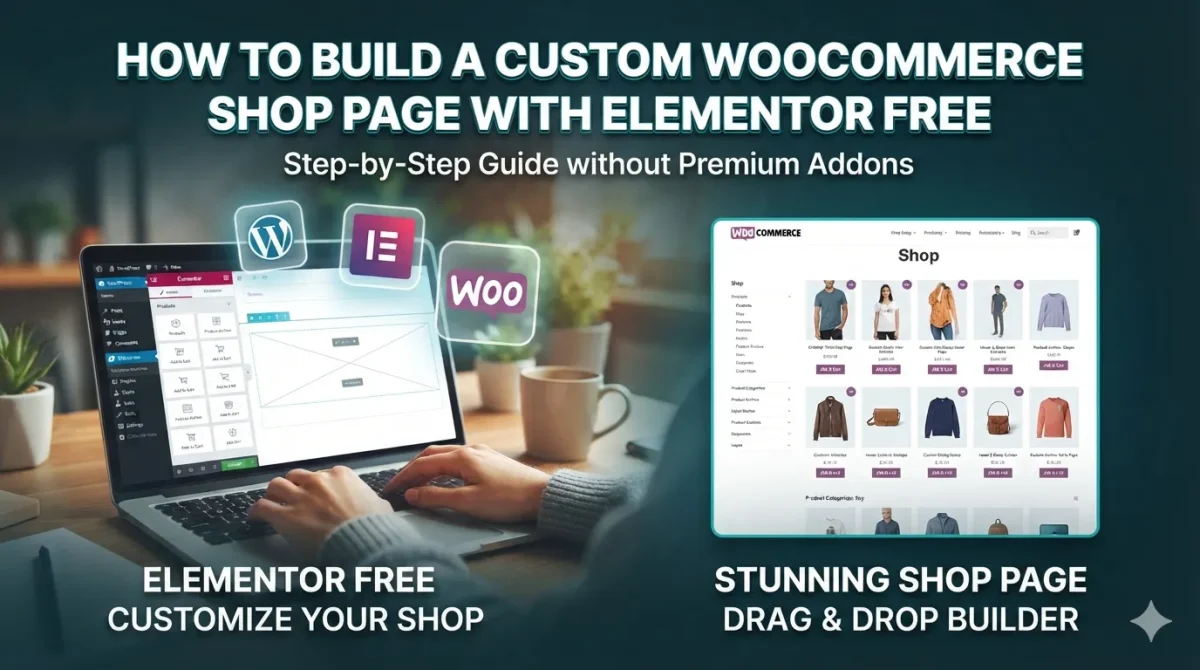
Are you trying to customize your WordPress eCommerce store but feeling stuck with the default, boring layout? If you use the free version of Elementor, you already know that editing… Read More
 CRThemes
Are you trying to customize your WordPress eCommerce store but feeling stuck with the default, boring layout? If you use the free version of Elementor, you already know that editing… Read More
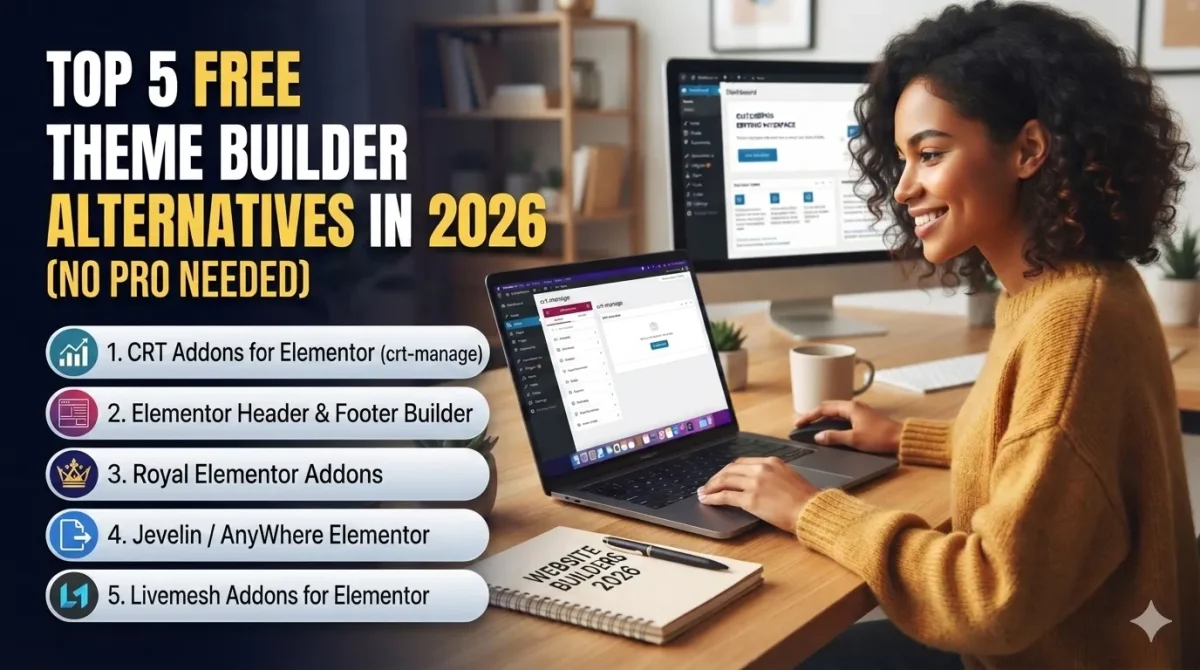
Are you tired of staring at the Elementor Pro paywall just because you want to design a custom header, footer, or product archive page? You are not alone. In 2026,… Read More
To build a website, we only need the free version of Elementor and CRT Manage. Elementor Widgets, Templates KIT and Extentions. The only Elementor Addon you will ever need to… Read More
You’ve built a stunning website with WordPress and Elementor, but it loads painfully slow? Speed is critical for user experience and SEO rankings. A sluggish website drives visitors away, lowers… Read More
There are several valid reasons why experienced developers often avoid drag-and-drop WordPress themes (like Divi, Avada, Elementor Pro’s Hello theme, etc.), despite their apparent ease of use:
Top 5 professional WordPress portfolio, resume & vCard themes: Jason, Adinda, Luca, Tamal, Melissa. Beautiful interface, strong SEO, integrated online CV. Download now!
Discover how to optimize WordPress SEO effectively from A-Z and the top 4 themes that support great SEO: Tenzin News Magazine, Nason Magazine Blog, Adinda Portfolio Resume, Jason Portfolio Resume.
All themes by CRThemes you need do it step under. 1. Add new theme Upload theme > Choose File Theme > Install Active theme 2. Install and Active plugin recommended… Read More
To fix the issue, just add the following line of code in your installed WordPress’s wp-config.php file. It’s a PHP constant declaration which tells the WordPress to avoid the FTP. That’s it.